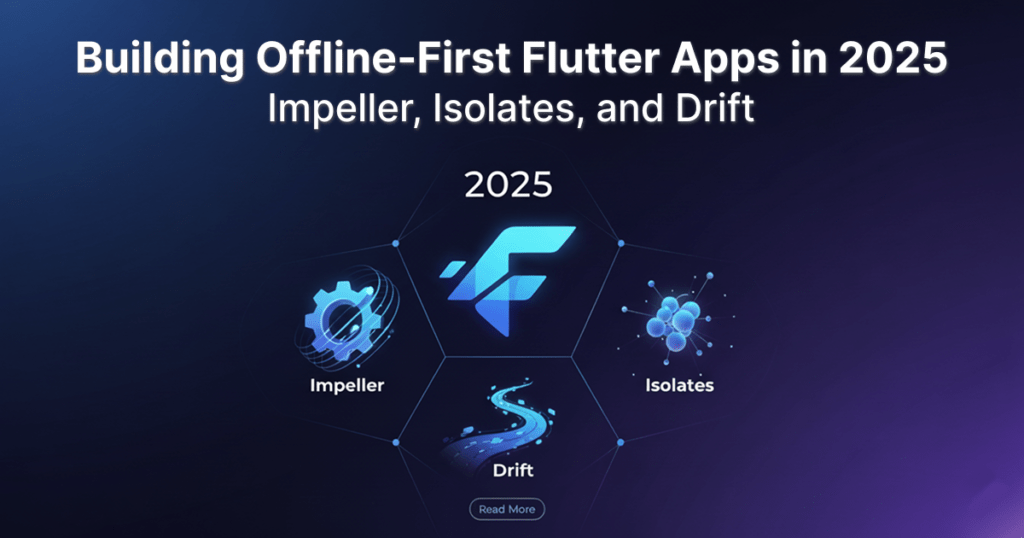
In 2025, offline-first architecture has become the expected standard for mobile applications—not just a nice-to-have. Users expect apps to remain functional in low-connectivity environments, synchronize seamlessly when online, and feel smooth regardless of device constraints. Flutter, now powered by Impeller, brings new rendering stability and performance improvements to the table.
Combined with isolates for parallel workloads and Drift as a robust local database, Flutter is now one of the strongest frameworks for offline-capable apps. This blog guides you through building an offline-first Flutter app in 2025 using Impeller, isolates, and Drift.
The Core Pillars of Offline-First in Flutter
A modern offline-first Flutter application relies on three key technologies:
1. Impeller (Smooth UI): Ensures the user interface remains fluid and responsive even when the main thread is busy with local data operations.
2. Isolates (Parallel Processing): Offloads heavy data processing and synchronization tasks to a separate thread, preventing jank and keeping the UI responsive.
3. Drift (Local Persistence): Provides a robust, type-safe, reactive, and powerful local SQL database (SQLite) for storing and querying critical application data.
1. Impeller: Guaranteed Visual Smoothness
Impeller, the rendering engine replacing Skia, is crucial for user experience. When building offline apps, data synchronization and large database writes can occasionally spike CPU usage. Impeller’s advanced architecture minimizes the chance of frame drops and UI stutter (jank) during these intensive periods.
To ensure you are leveraging Impeller, verify your ios/Flutter/AppFrameworkInfo.plist and android/gradle.properties files are configured correctly for the latest Flutter version.
2. Isolates: Conquering Asynchronous Workloads
In an offline-first app, synchronization—checking for changes, fetching new data, and pushing local updates—is the heaviest task. Performing this on the main UI thread will freeze your application.
This is where Flutter Isolates are essential. Isolates allow Dart code to run in parallel on separate threads, completely isolated from the main thread.
Using Isolates for Synchronization
The following table outlines how tasks should be distributed between the main thread and an isolate:
Execution Thread | Task Type | Example |
|---|
Main Isolate (UI) | Quick UI updates, Widget building | Displaying data from a Stream of Drift queries |
Separate Isolate | Long-running operations, Data processing | Network synchronization, Bulk database inserts/updates, JSON serialization |
3. Drift: The Type-Safe Local Database
Drift (formerly moor) is the recommended persistent layer for serious Flutter applications. It sits on top of SQLite, offering a beautiful API that allows you to define your database schema in Dart or SQL, generating all the necessary boilerplate code for safe, reactive querying.
Implementing Drift
Define the Schema: Use Dart classes to define your tables and columns.
Generate Code: Drift generates type-safe Dart classes for your tables, data models, and database access objects (DAOs).
Reactive Queries: Drift queries return Streams. This is the key to offline-first reactivity—whenever the local database is updated (e.g., after a sync operation), the UI widgets listening to that stream automatically rebuild with the new data.
Example Data Flow
When a user performs an action (e.g., creates a new task):
UI (Main Isolate): The user taps “Save.”
Drift (Main Isolate): A quick await database.tasks.insert() call stores the task locally.
UI (Reactive): Because the UI is observing a stream from Drift, it instantly updates to show the new task, providing immediate feedback.
Isolate (Background): A background isolate, triggered by the local change, attempts to synchronize the new task with the remote server.
Putting It Together: A Workflow Example
Consider an application where a user is adding a note in an area with no service.
Step | Component | Action | Benefit |
|---|
1. User Input | Flutter Widget | User saves a new note. | N/A |
2. Local Save | Drift DAO | insertNote(note, isSynced: false) is called. | Instantaneous local persistence. |
3. UI Update | Stream/Provider | UI automatically rebuilds via Drift’s reactive stream to show the new note. | Impeller ensures the UI redraw is smooth and responsive. |
4.Background Sync | Isolate | The app detects a pending change (isSynced: false) and launches an isolate for sync. | UI remains unblocked and responsive. |
5.Network Operation | Isolate | The isolate sends the note to the remote API. | Failure/success handling happens off-thread. |
6. Final Write | Drift DAO | Isolate updates the local record: updateNote(noteId, isSynced: true). | Local state matches remote state. |

Conclusion
In 2025, offline-first isn’t just possible in Flutter—it’s elegant. By strategically combining the performance gains of Impeller, the concurrency of Isolates for background tasks, and the robust, reactive local data layer provided by Drift, you can build mobile applications that truly meet modern user expectations for speed, reliability, and seamless operation, regardless of network conditions.
Frequently Asked Questions
1. What is an offline-first Flutter app according to Brigita?
An offline-first Flutter app is designed to work seamlessly even with low or no internet connectivity. With Brigita’s recommended approach using Impeller, Isolates, and Drift, apps remain responsive, store data locally, and sync automatically when online, ensuring a smooth user experience across India and USA.
2. How does Brigita use Impeller to improve Flutter app performance?
Impeller, Flutter’s advanced rendering engine, ensures smooth UI updates even during heavy background tasks like database writes or data syncs. Brigita leverages Impeller to prevent jank, making offline-first apps visually responsive and user-friendly.
3. Why does Brigita recommend Drift for local storage in Flutter apps?
Drift (formerly moor) provides a type-safe, reactive local SQL database for Flutter. Brigita uses Drift to store app data locally, enabling instant UI updates and secure data persistence, crucial for apps operating offline in India, USA, or anywhere with limited connectivity.
4. How does Brigita implement Flutter Isolates for better app performance?
Flutter Isolates allow background tasks, such as syncing or heavy processing, to run on separate threads. Brigita implements Isolates to keep the UI smooth and responsive while offline data is synchronized in the background, meeting modern user expectations.
5. How can Brigita help build a reliable offline-first Flutter app in 2025?
To build a robust offline-first Flutter app, combine Impeller for smooth rendering, Isolates for parallel background processing, and Drift for reactive local storage. Brigita’s experts guide development for enterprise-grade apps in India, USA, and beyond, ensuring seamless offline-first experiences.