
As Flutter apps grow in complexity, they often need to handle multiple tasks at the same time — API calls, data parsing, file processing, and background sync. If not managed properly, these operations can slow down the UI or even cause app freezes.
This is where Isolates and Background Workers play a crucial role. They allow Flutter apps to perform heavy work in parallel — without blocking the main UI thread — ensuring smooth, responsive user experiences.
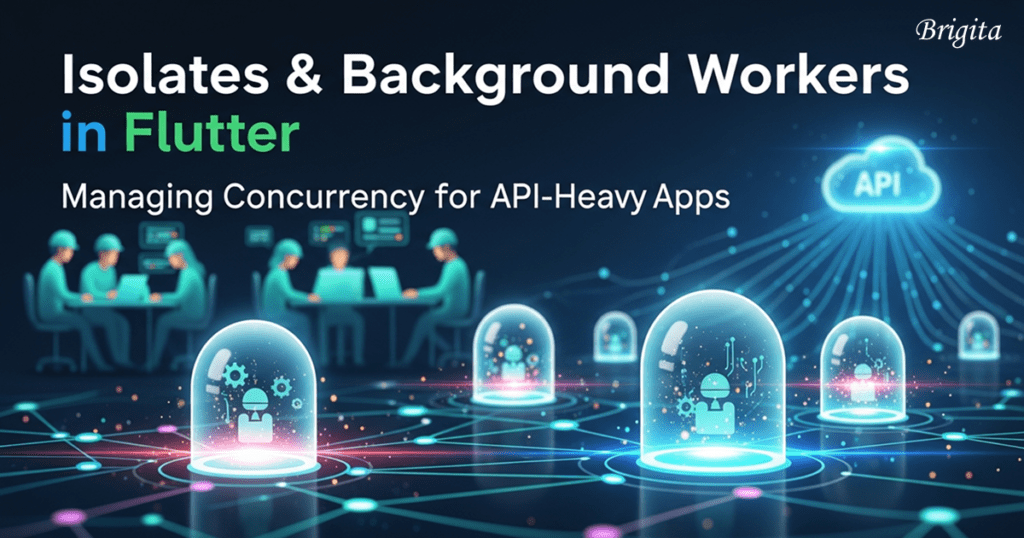
Why Concurrency Matters in Flutter
Flutter runs most of its logic on a single main isolate (UI thread). While this keeps things simple, it also means:
1. Heavy JSON parsing can block animations
2. Multiple API calls can cause frame drops
3. Background sync can freeze the app
4. Poor performance leads to bad user experience
Concurrency ensures these operations run off the main thread, keeping the UI responsive.
What Are Isolates in Flutter?

An Isolate is Flutter’s way of achieving parallel execution.
Key characteristics:
Each isolate has its own memory space
No shared memory between isolates
Communication happens via message passing
Perfect for CPU-intensive tasks
Common use cases:
Large JSON parsing
Data encryption/decryption
Image processing
Complex computations
Background Workers Explained
Background workers handle tasks that should continue even when the app is not actively used.
Common approaches include:
WorkManager (Android background tasks)
Background Fetch (periodic data sync)
Firebase Cloud Functions + push triggers
Platform-specific background services
These workers are ideal for:
Syncing API data
Uploading logs or analytics
Refreshing cached content
Sending scheduled requests
Example: API-Heavy Flutter App
Imagine an app that:
Fetches large datasets from APIs
Parses and transforms data
Stores results locally
Updates UI continuously
Optimised Flow:
API call triggered from UI
Response passed to an isolate for processing
Processed data saved to cache
UI updated smoothly
Background worker syncs periodically
This keeps the app fast — even under heavy load.
Best Practices for Managing Concurrency
Keep UI logic lightweight
Move CPU-heavy tasks to isolates
Avoid unnecessary isolate creation
Batch API calls where possible
Combine isolates with caching
Gracefully handle failures and retries
Common Mistakes to Avoid
Doing heavy parsing on the main isolate
Overusing isolates for simple tasks
Expecting isolates to share memory
Running background workers without limits
Ignoring platform-specific restrictions
Conclusion
Concurrency is essential for building scalable, high-performance Flutter apps. By leveraging isolates for computation-heavy tasks and background workers for long-running operations, developers can ensure their apps stay responsive — even when dealing with complex APIs and large data volumes.
For API-heavy Flutter apps, mastering concurrency isn’t optional — it’s a requirement for production success.
Frequently Asked Questions
1. How does Brigita improve Flutter app performance?
Brigita improves Flutter app performance by using isolates, background workers, and optimized API handling to deliver fast, scalable, and UI-responsive Flutter applications.
2. What are Flutter isolates used for?
At Brigita, Flutter isolates are used to handle heavy tasks like JSON parsing, data processing, and complex computations without blocking the main UI thread.
3. Why are background workers important in Flutter apps?
Brigita uses background workers to enable smooth API syncing, scheduled tasks, and data updates while ensuring Flutter apps remain responsive and reliable.
4. Can Brigita optimize API-heavy Flutter applications?
Yes. Brigita specializes in optimizing API-heavy Flutter applications by improving concurrency, reducing UI lag, and enhancing overall app performance.
5. Why choose Brigita for Flutter app development?
Brigita builds high-performance Flutter apps using scalable architecture, modern concurrency techniques, and enterprise-grade engineering best practices.
Search
Categories
Reach Us
About The Author

Mohamed Sindha Madhar
I’m a Solutions Engineer with experience across Mobile App Development, Backend Engineering, Business Analysis, and AI/ML Development. I enjoy connecting ideas with execution—turning concepts into working solutions that are both practical and impactful.
Over the years, I’ve worked on building scalable backend systems, intuitive mobile apps, and intelligent AI-driven solutions that help automate and simplify real-world problems. I love exploring new technologies, experimenting with tools, and finding creative ways to bring efficiency into development.In my spare time, I work on personal projects and games, which let me explore new ideas freely and sharpen my problem-solving skills in fun, unexpected ways.